
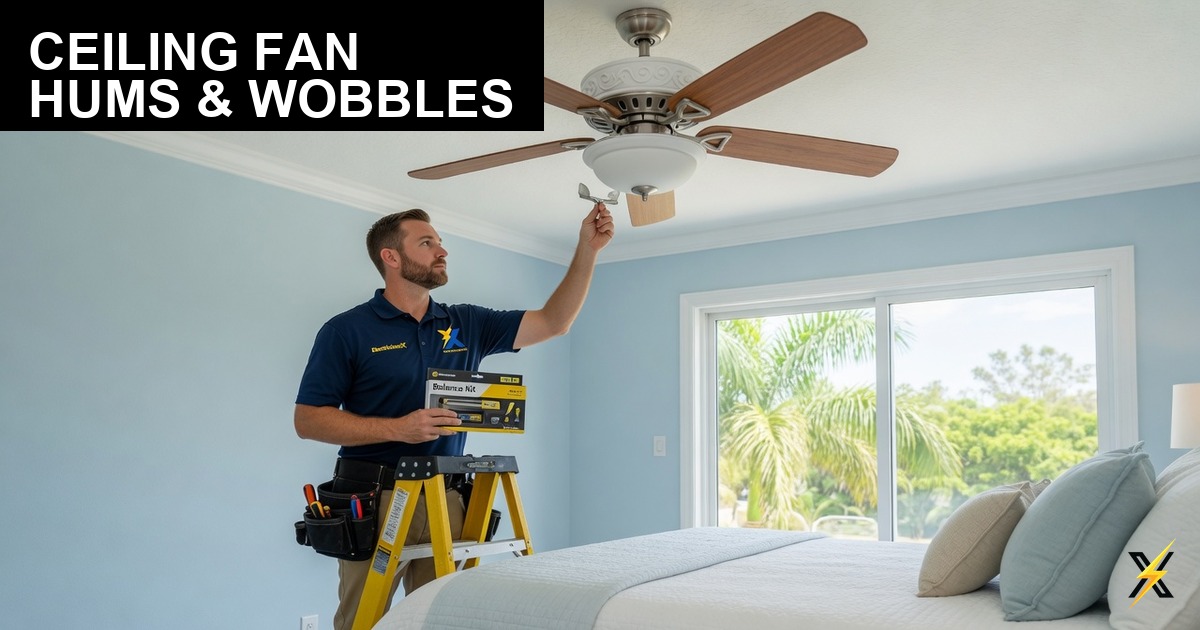
You hung the ceiling fan yourself — or hired someone who hung it fast. It runs. It moves air. But it hums at certain speeds, wobbles when you walk across the room, or clicks on every rotation. Now you are wondering: is this a wiring problem, a balance problem, or just a cheap fan?
Ceiling fan hums and wobbles are among the most common post-installation complaints we hear from Southwest Florida homeowners in Fort Myers, Cape Coral, Estero, and Naples. The answer is usually a combination of mechanical and electrical factors — and the fix depends on knowing which is which. A wobbling fan can loosen its mounting over time and fall. A humming fan on a dimmer circuit can overheat wiring. Here is how to diagnose ceiling fan problems after installation and when to call a licensed electrician instead of grabbing a balancing kit at Lowe’s.
Humming vs. Wobbling — Different Problems, Different Fixes
Humming is a sound problem — usually electrical or motor-related. Wobbling is a mechanical problem — usually mounting, balance, or blade-related. A fan can have both. Start by identifying which symptom you have:
| Symptom | Likely Cause | Who Fixes It |
|---|---|---|
| Hums at low/medium speed only | Incompatible dimmer or speed control | Electrician |
| Hums at all speeds, louder over time | Failing motor or capacitor | Replace fan or motor |
| Wobbles visibly, increases with speed | Unbalanced blades or warped blade | Balance kit or blade replacement |
| Wobbles and clicking sound | Loose blade screws or blade bracket | Tighten hardware |
| Wobbles and ceiling box moves | Non-fan-rated box or missing brace | Electrician — safety issue |
| Light flickers when fan runs | Loose wire nut or shared neutral issue | Electrician |
Electrical Causes of Ceiling Fan Humming
If your fan hums — especially at lower speeds — the wiring or control is the first suspect, not the fan motor.
- Dimmer switch controlling the fan. Standard light dimmers should never control a ceiling fan motor. They cause humming, buzzing, overheating, and premature motor failure. Fans need a dedicated fan speed control or a switch with separate fan and light controls.
- Remote receiver interference. Many modern fans use a canopy-mounted receiver for remote control. If the receiver is not seated correctly or the dip switches do not match the remote, the fan can hum or respond erratically at certain speeds.
- Shared neutral with another circuit. Older SW Florida homes and DIY wiring sometimes share a neutral between the fan circuit and another room. This creates hum, flickering lights, and erratic speed control. Requires an electrician to trace and correct.
- Loose connection at the ceiling box. A loose hot, neutral, or ground connection at the fan junction box causes arcing hum that changes with vibration. Turn off power and have connections checked if hum is accompanied by warmth or smell.
- Wrong speed controller wattage. Fan speed controls are rated for motor load, not light load. Using a light dimmer rated for 600W of incandescent bulbs on a fan motor is a code violation and a hum source.
Mechanical Causes of Ceiling Fan Wobbling
Wobbling is almost always mechanical — but the mechanical problem sometimes starts with a bad electrical installation.
- Blade balance. Use a balancing kit (clip-on weight, then permanent adhesive weight). Run the fan at high speed, move the clip to each blade to find which reduces wobble, then apply the permanent weight. This fixes 80% of wobble issues on otherwise sound installations.
- Blade alignment. All blades should be at the same height and angle. Measure from the ceiling to the tip of each blade. A difference of more than 1/4 inch causes wobble. Gently bend the blade bracket or replace warped blades.
- Loose blade screws. Check every blade screw with a screwdriver — they loosen from vibration within weeks of installation if not properly torqued.
- Downrod wobble. Fans on downrods (common on vaulted ceilings in SW Florida lanais and great rooms) need the set screw tightened firmly on the motor housing. A loose downrod pin causes rhythmic clicking and wobble.
- Non-fan-rated electrical box. Standard round or plastic boxes are not rated for fan weight and vibration. NEC 314.27(C) requires fan-rated boxes or approved fan braces for all ceiling fan installations. A fan on a light-only box will wobble, loosen the box from the ceiling, and eventually fall. This is a serious safety hazard.
- Missing fan brace in drywall-only ceilings. If the installer could not find a joist and used a retrofit brace, verify it is a listed fan brace — not a light fixture brace rated for 50 lbs static load. Fans create dynamic load from rotation.
Safe DIY Checks Before Calling an Electrician
Some ceiling fan troubleshooting is safe for homeowners. Stay off the ladder and call a pro if the ceiling box moves, you see sparking, or you are not comfortable working with the power off.
- Turn off power at the breaker (not just the wall switch) before touching blades or canopy
- Tighten all blade screws and blade bracket screws
- Try a balancing kit if wobble is the only symptom and the box feels solid
- Check whether a dimmer controls the fan — if yes, stop using the dimmer and call an electrician to install a proper fan control
- Push gently on the fan mounting bracket — if the box shifts in the ceiling, stop using the fan and call an electrician immediately
When to Call a Licensed Electrician
Call ElectriciansX if:
- The ceiling box moves when you push the fan — the box or brace needs replacement
- A dimmer switch currently controls the fan speed
- The fan hums at all speeds and a balancing kit did not help
- Lights on the fan flicker, dim, or brighten independently of the fan speed
- You smell heat or burning from the ceiling box or wall switch
- The fan was installed on a sloped or vaulted ceiling without the correct downrod and ball joint
- You are installing a fan on a lanai or outdoor covered patio — Florida humidity requires damp or wet-rated fans and GFCI protection where required
Our ceiling fan installation service includes fan-rated box or brace installation, proper wiring, compatible speed controls, and balance verification — so you do not have to troubleshoot after the fact.
Southwest Florida Local Context
Ceiling fans are not optional in SW Florida — they are primary cooling equipment in bedrooms, lanais, and living areas for eight months of the year. Homes in Cape Coral, Fort Myers, and Lehigh Acres built in the 1980s and 1990s often have light-fixture boxes in bedrooms where homeowners later added fans without upgrading the box. We find this on nearly every fan replacement call.
Outdoor-rated fans on lanais and pool cages face additional challenges: salt air corrodes blade brackets, humidity swells wooden blades (on older models), and wind pressure on exposed fans accelerates bearing wear. If your lanai fan wobbles after a storm, check for bent blades before assuming it is a balance issue.
Lee County and Collier County require permits for new fan circuits and ceiling box replacements in many jurisdictions. ElectriciansX pulls permits when the job involves new wiring or box upgrades.
Frequently Asked Questions
Can I use a dimmer on a ceiling fan if it says “fan rated”?
Only if the dimmer is specifically listed for fan speed control — not just LED or incandescent dimming. Most “fan-rated” dimmers on the shelf are still light dimmers. Use a proper fan speed switch or a fan/light combo control.
How much wobble is normal?
A slight blur at the blade tips on high speed is normal. Visible back-and-forth movement of the fan body, clicking sounds, or items shaking on nearby shelves is not normal — fix it before it worsens.
Fan Installed Right the First Time
Ceiling fan installation with fan-rated boxes, proper controls, and balance check — Cape Coral, Fort Myers, Naples, and all of SW Florida.